
Mitchell County Civil Docket Searches
Mitchell County's public online entry point for civil Case Summaries is the North Carolina eCourts Portal. Smart Search takes a record number right away. Prefer a name? Enter it last name first. No account is needed for public information. Click the underlined case number on any result and the Register of Actions opens, the chronological view Portal also calls a Case Summary.
Bring the exact record number if you can. After eCourts, a Mitchell civil number follows the pattern shown by the synthetic example YYCV000000-600, where 600 marks the county. A public civil case may display parties, Case Events, Causes of Action, Hearings, Dispositions, and Financial Information where applicable. Working from only a broad name? Add the county location and case-type filters to cut the noise.
- Open Portal and choose Smart Search.
- Enter the civil record number or a party name in last, first order.
- Select Location = Mitchell County, then add a civil case type or status only when it improves the result.
- Open the underlined case number and review available Case Information, Parties, Causes of Action, Events, Hearings, and Dispositions.
- Use Search Hearings or the civil calendar for the current setting, then ask the clerk for an official document or certification when necessary.
Mitchell Civil Portal Filters
Advanced Filter Options won't run alone. First run a basic record number or name. Then select Mitchell County. Portal's published civil categories include Civil General, Civil Magistrate, Civil Foreclosure, Confession of Judgment, Bond Forfeiture, and non-domestic restraining-order categories. Separate family and special-proceeding categories are published too. Whether those records open publicly still depends on the record type and access rule.
Civil statuses worth knowing include Pending, Appealed, Reopened, Stayed, and Unserved. The list also covers Disposed – Clerk of Superior Court, Disposed – Final Judgment No Trial, Disposed – Trial by Judge, Jury, or Magistrate, Disposed – Voluntary Dismissal, Trial De Novo, and Transferred to Superior Court. Remember what a filter does. It narrows public results, nothing more. A status label is not proof anyone has read the full case history.
A party-name lookup that stalls can get broader help through the county's Mitchell docket search options. Don't treat a no-result screen as the final word.
Civil Dockets: What They Show
Think of the civil Register of Actions as an event index. It lists public activity in order. It can link to available public documents. Still, it never promises that every filed item is downloadable. Portal documents its case-summary sections at the statewide level. Individual Mitchell cases can vary in display order and labeling.
| Record and assignment | Case Information and Assignment Information identify the record and its court or division context. |
|---|---|
| Parties | Party Information identifies public case participants and supports name-based searching. |
| Causes of Action | A civil, family, probate, or mental-health section when applicable that identifies the claims or grounds recorded by Portal. |
| Case Events | The chronological log for filings, service activity, motions, notices, hearings, and later actions. |
| Disposition and financials | Dispositions and Financial Information appear where applicable; a listed financial figure should be checked for current payment eligibility. |
A filed image may be public and still sit apart from the Register of Actions. For a clerk-issued or certified copy, the Mitchell County Clerk of Superior Court is the official source.
Mitchell Civil Court Docket Divide
Where a Mitchell civil case is heard depends on the matter. Superior Court District 35 takes civil matters properly tried above $25,000. It also takes eligible District Court appeals. District Court District 35 handles civil actions properly tried at $25,000 or less. It handles family matters too. Either way, the same Mitchell County Clerk of Superior Court keeps the county record.
Magistrates sit as District Court officers. They hear qualifying small claims and other limited matters. Their work does not create a separate county clerk system. The statewide small-claims ceiling can vary. So call the clerk rather than assume a fixed local amount.
For the court-division context here, the North Carolina court hierarchy overview lays out how the state's court levels fit together.
The division tells you where a civil case is heard. The unified Mitchell clerk is why one county office stays the record and copy contact for both.
What Cases Fill the Civil Docket
Portal's published filters give a sense of what a Mitchell civil search can turn up: general civil actions, civil magistrate matters, foreclosures, bond-forfeiture proceedings, confessions of judgment, selected restraining-order matters, family cases, and public special proceedings. Category alone doesn't settle access. Family, juvenile, protective-order, estate, and special-proceeding records can follow a separate confidentiality rule or carry narrower public material.
- Civil General and Civil Magistrate case categories.
- Civil Foreclosure categories recorded as CV or M.
- Bond Forfeiture and Confession of Judgment categories.
- Family categories with or without a divorce claim.
- Public special-proceeding categories such as name change, foreclosure, or incompetency where access permits.
For estates, guardianship, and many special proceedings, the clerk acts in a statutory capacity. A Portal category can help locate a public result. The clerk remains the correct source for the official file.
Mitchell Civil Calendar Checks
A civil filing is not automatically a trial date. For a current setting, check the official Mitchell civil calendar and Portal's Search Hearings tool. Search Hearings hunts for a current location and time by case number, party, attorney, judicial officer, or courtroom once the required choices and date range are supplied.
The shared local civil-superior scheduling plan puts a Civil Ready Calendar in the Court Manager's hands. After the last responsive pleading, a typical five-month interval follows absent extension. Calendars normally publish at least four weeks before a session. The plan carries a former district label, so treat it as a confirmation route rather than a guarantee of current timing.
When you need the assigned calendar itself, the civil calendar result page is the official source for this record topic.
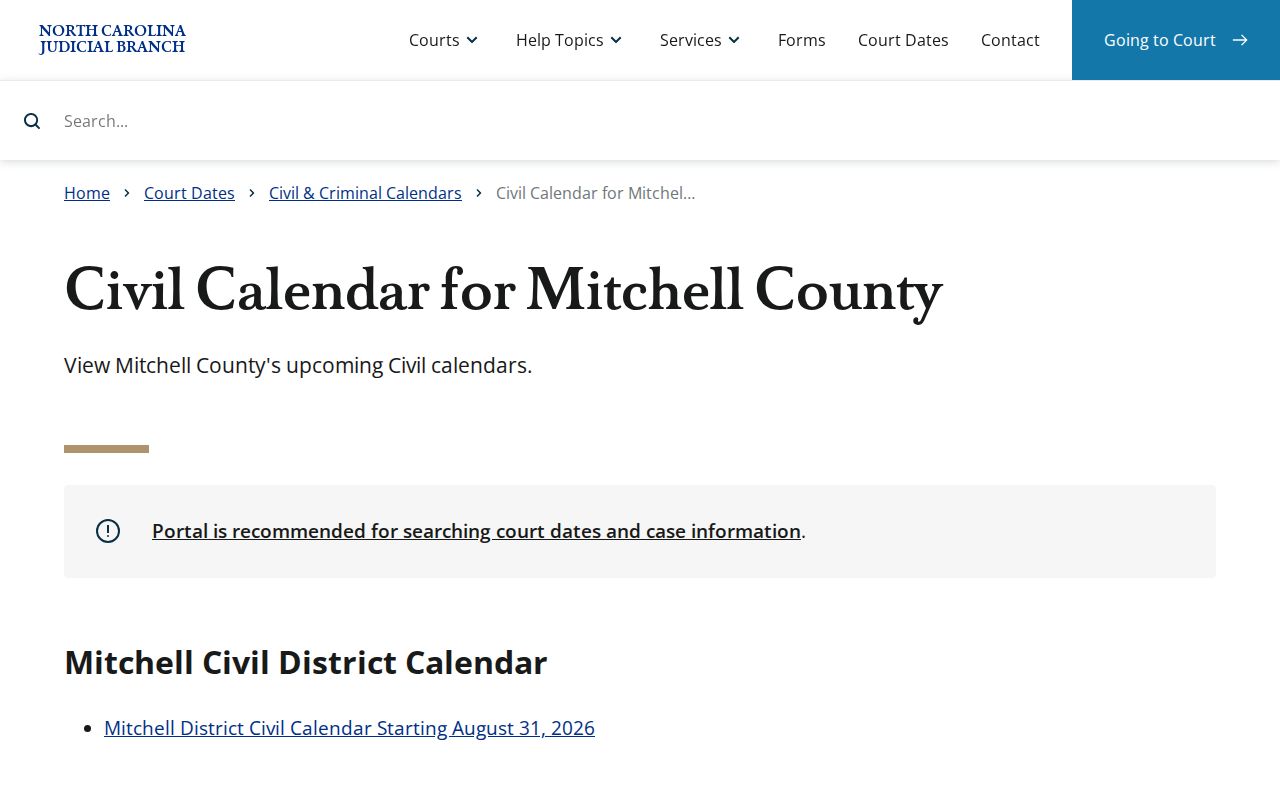
Moving a hearing takes court action; a continuance never happens by silence. A later Register of Actions entry, a current calendar result, or clerk confirmation distinguishes a moved hearing from a past setting.
Hearings on the Civil Docket
Start with the case record itself. Portal shows a Hearings section only for cases that have one. Its absence tells you little. The Register of Actions carries the backstory: past settings, notices, motions, and the full event history. When you want a current court date, Search Hearings is the sharper tool. The county also publishes a civil calendar. Read all three alongside the docket entry rather than trusting a single stale line. Sources can disagree. A Portal entry, a paper notice, and the calendar may not match. Guessing which one controls is a mistake. Call the Mitchell County Clerk of Superior Court at (828) 688-5100. Or go to the office at 328 Longview Drive in Bakersville. The public self-service terminal and the paper file sit there too. That terminal is a recognized channel for civil, special-proceeding, and estate information. That includes records with limits on public internet access. Note: The clerk can confirm record-custody options. Current attendance instructions come from the court’s case-specific notice or calendar.
Mitchell Civil File Access
A missing Portal document is not proof it was never filed. Go to the Mitchell Clerk of Superior Court instead. At the counter you can inspect the paper file. You can work at a public terminal, order plain copies, or ask about certification. The courthouse listing places the clerk at 328 Longview Drive, Bakersville, NC 28705, with the phone (828) 688-5100. Keep the roles straight. Portal is a public access view, not the official record. Registering as a public user lets you save public cases and nothing more. It grants no extra restricted access. If you need copies by mail, call the clerk first. The county publishes no Mitchell-specific copy-request form, fee schedule, certification procedure, or postal instructions. One more thing: the NCAOC administrative public-record request is the wrong door for county case documents. NCAOC states it is not their custodian.
Who Can See Civil Dockets
Most Mitchell civil dockets are open to anyone. Search them in Portal or inspect them through the clerk, unless a statute, court order, confidentiality rule, or security restriction says otherwise. G.S. 7A-109 sets the baseline for the clerk’s record maintenance and public inspection. Portal leaves out sealed, confidential, and sensitive material. Some domestic-protection records carry web-index or role-based limits as well. A courthouse terminal can ease permitted access. It cannot lift a statutory restriction. For the official version, use the clerk’s copy and certification channel. Portal may show a public image within minutes after Odyssey upload, though processing and security checks still apply. That display is not a certification. The statewide rule supplies the statutory copy components, while the clerk publishes no Mitchell-specific plain-copy schedule or local processing time.
Record-access rules.
G.S. 7A-109 generally permits clerk-record inspection during regular office hours unless access is prohibited.
G.S. 7A-308 supplies the statutory components for copies and certification, including $2 for a first page, $0.25 for each additional page, $3 for a seal, and $10 for exemplification.
G.S. 7B-3000 restricts public inspection of juvenile records except as the statute or a court order permits.
Mitchell Civil Filing Conversion
Mitchell joined eCourts Track 9 on July 21, 2025. From that date, Portal, Enterprise Justice, and File & Serve ran live for public searching and electronic case work. Attorneys file through File & Serve in every eCourts county. That includes later filings in already-open Track 9 cases. Non-attorneys keep the paper route. The clerk scans those filings and enters them into Enterprise Justice. The North Carolina File & Serve landing page is the official filing-system source assigned to Mitchell civil dockets, and it opens the electronic filing workflow for the county.
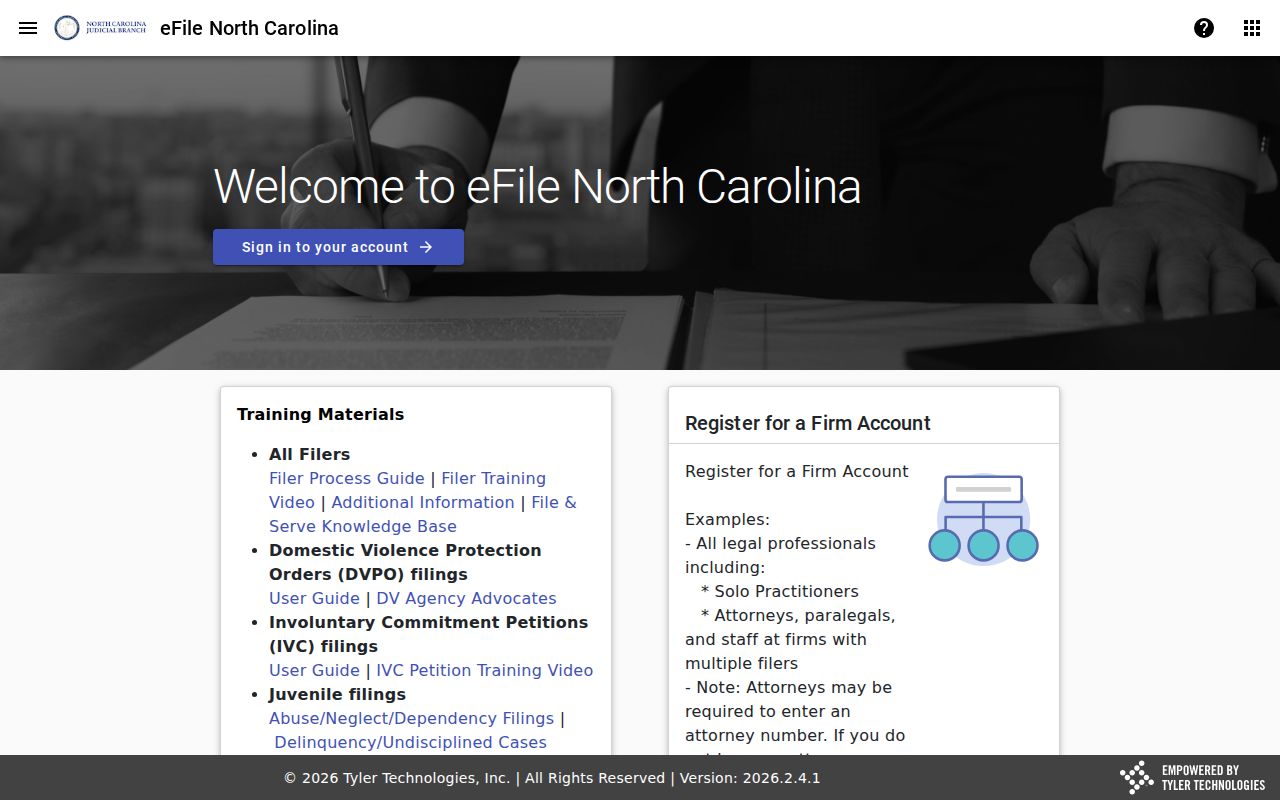
A case in the Mitchell County civil docket can show a public electronic summary even when its scanned image stays out of reach. Image access still turns on how the filing came in, when scanning and processing happened, security limits, and the clerk's role as keeper of the official record.